





Lollipop Chart

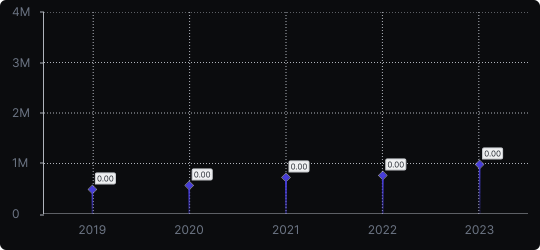
Lollipop Chart
A lollipop chart is a minimalist alternative to the bar chart. Instead of filled bars, each data point is represented by a thin line ending in a circle (dot), which marks the precise value. This design dramatically reduces visual weight while retaining all the information of a bar chart.
When to use it?
Lollipop charts work best when you have many categories or very large values, where dense bars would create a heavy, difficult-to-read visual. They are also ideal when you want to emphasize the exact data point rather than the filled area.
What makes it effective?
The reduced ink-to-data ratio keeps the chart clean and airy. The dot at the end draws the eye precisely to the value, making individual data points feel more prominent than in a bar chart.
When to avoid it?
Avoid lollipop charts in contexts where your audience is unfamiliar with them — they are less conventional than bars. They are also less effective when filled area encoding (to convey magnitude) is important.
Lollipop charts are a great choice for modern dashboards and editorial data visualizations where aesthetic clarity matters as much as information density.
Similar Charts

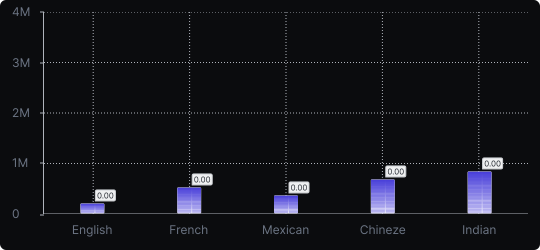
Vertical Bar Chart
The most common way to compare amounts: one vertical bar per category, with bar height showing the value. Clear, familiar and easy to read at a glance.


Comparison


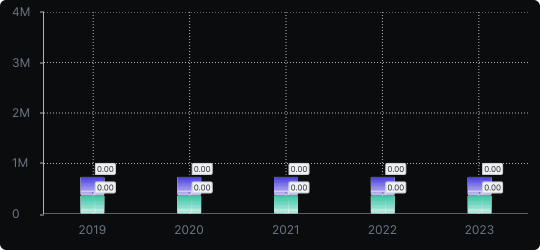
Stacked Vertical Bar Chart
A vertical bar chart that layers multiple data series within each bar, showing both the total and the composition of each category.
Comparison


Proportions


