





Donut Chart

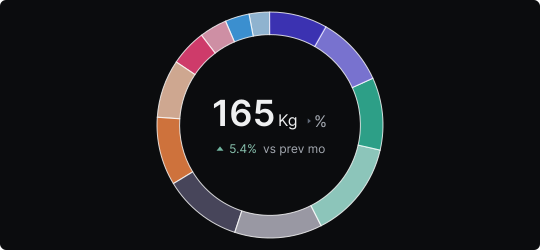
Donut Chart
A donut chart is a pie chart with a hollow center. The ring segments represent proportional parts of a whole, while the empty center creates visual breathing room and can optionally display a key value, total, or label that anchors the reader's understanding.
When to use it?
Use a donut chart when you want to communicate proportions like a pie chart, but prefer a lighter, more modern aesthetic. The center space is particularly valuable for KPI dashboards, where displaying a total or highlighted metric alongside the distribution adds immediate context.
What makes it effective?
The hollow center reduces visual density compared to a filled pie and draws the eye naturally to any centrally placed text. The ring format also feels more modern and is increasingly common in digital dashboards.
When to avoid it?
The same limitations of pie charts apply: avoid donut charts with too many segments, similarly sized slices, or when precise comparison between segments is needed. The reduced filled area compared to a pie chart can make small differences even harder to perceive.
Donut charts are most powerful in summary dashboards where one number needs to be highlighted alongside its broader context.
Similar Charts

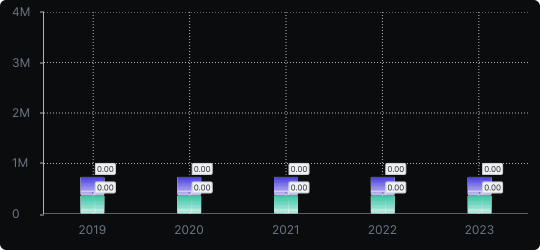
Stacked Vertical Bar Chart
A vertical bar chart that layers multiple data series within each bar, showing both the total and the composition of each category.


Comparison


Proportions


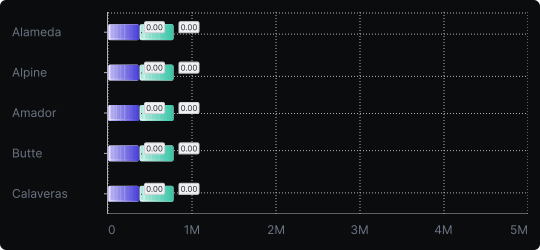
Stacked Horizontal Bar Chart
A horizontal bar chart that stacks multiple data series within each bar, combining compositional detail with easy label readability.
Comparison
Proportions


