





Area Chart

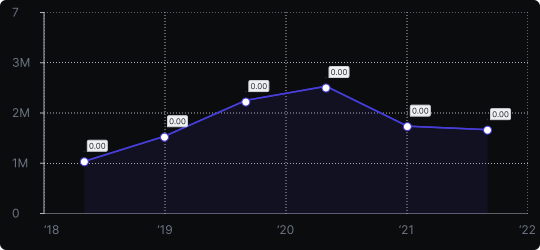
Area Chart
An area chart is a line chart where the region between the line and the baseline is filled with color. This fill emphasizes the volume or magnitude of values, making the area itself — not just the trend line — a key part of the data story.
When to use it?
Area charts are ideal for showing how values accumulate or change over time when the sheer magnitude of the data is important. They work well for displaying total volume, resource usage, or cumulative metrics.
What makes it effective?
The filled area provides a strong visual cue for size and weight. When multiple series are shown with transparency, it becomes easy to see how they overlap and relate to each other over time.
When to avoid it?
Avoid area charts when multiple overlapping series obscure each other, making it hard to distinguish individual values. In such cases, use a stacked area chart or separate line chart. Also avoid using filled areas when precise point-to-point comparison is more important than overall volume.
Choose area charts when you want the reader to feel the scale of change, not just its direction.
Similar Charts

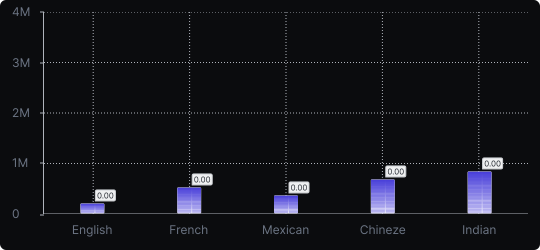
Vertical Bar Chart
The most common way to compare amounts: one vertical bar per category, with bar height showing the value. Clear, familiar and easy to read at a glance.


Comparison


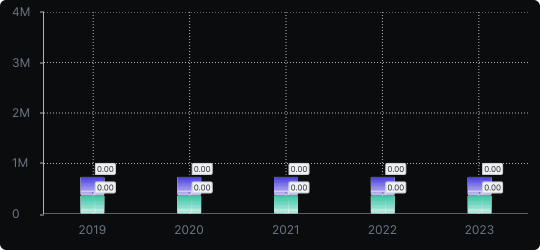
Stacked Vertical Bar Chart
A vertical bar chart that layers multiple data series within each bar, showing both the total and the composition of each category.
Comparison


Proportions


